
 English
 Español
 русский
 Français
 عربى
عربىLaser printers can produce sharp, durable labels on a wide range of specialty stocks — including waterproof materials, clear films, and decal papers — but only when you match the right media to the right printer and understand a few critical constraints. Standard laser printers cannot print white ink, clear labels require specific surface coatings to hold toner, and waterproofing depends more on the stock than the ink itself. Getting these details right is the difference between labels that last and labels that peel, smear, or look unprofessional.
Content
- 1 Laser Printer Sticker and Label Paper: What Actually Makes It Waterproof
- 2 Clear vs. Opaque Labels for Laser Printers
- 3 Can a Printer Print White? The White Ink Problem
- 4 Laser Decal Paper: Printing Labels for Non-Standard Surfaces
- 5 Standard Label Dimensions: Wine, Beer, and Barcode
- 6 Label Adhesive Specifications: Choosing the Right Tack for the Job
- 7 How to Make a Sticker Stick Better: Surface Prep and Application Tips
- 8 Printing Labels on a Laser Printer: Practical Setup Checklist
Laser Printer Sticker and Label Paper: What Actually Makes It Waterproof
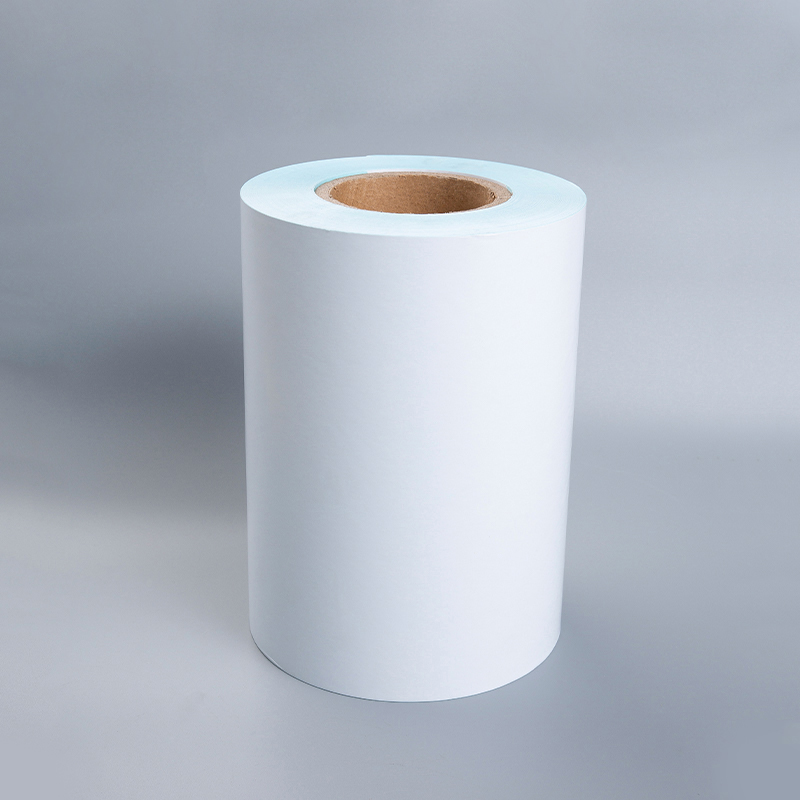
The term "waterproof laser printer paper" is slightly misleading — it's the substrate (the label stock itself) that provides water resistance, not the toner. Laser toner is fused onto the surface of the media using heat, creating a relatively durable bond, but standard paper label stock will still absorb moisture, causing the label to wrinkle, bubble, or delaminate when wet.
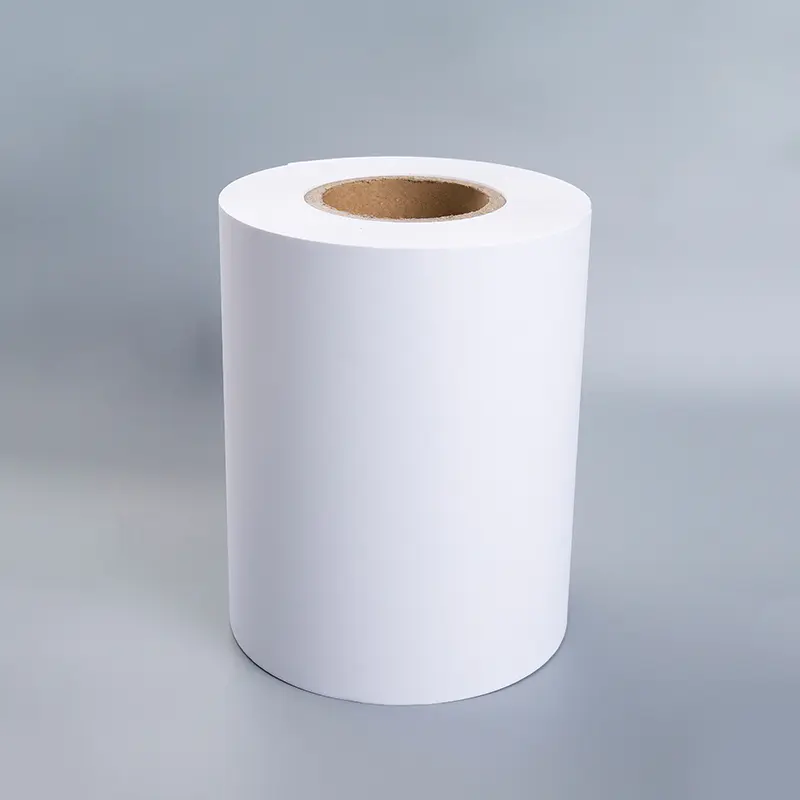
Genuine waterproof laser label paper is made from one of two materials: polypropylene (BOPP) or polyester (PET). Both are dimensionally stable films that resist water, oils, and many chemicals. BOPP is more economical and works well for short-term outdoor applications, product labels, and craft stickers. Polyester is tougher, more heat-stable, and preferred for industrial labels, electronics, and applications requiring long-term outdoor durability.
Key point: these film stocks must be specifically formulated for laser printers. Inkjet-rated films used in a laser printer will melt or jam because they aren't designed to withstand the 180–220°C fusing temperatures that laser printers operate at. Always verify that label stock is rated for laser use before loading it.
Waterproof Printer Ink vs. Waterproof Stock
For inkjet printers, waterproof printer ink (pigment-based rather than dye-based) is the relevant variable — pigment inks sit on top of the substrate and resist water far better than dye inks, which dissolve when wet. For laser printers, this distinction doesn't apply: all laser toner is pigment-based and thermally fused. Waterproofing for laser-printed labels is 100% a function of the stock, not the toner.
Clear vs. Opaque Labels for Laser Printers
Choosing between clear and opaque label stock is one of the most consequential decisions in label printing — and the right answer depends entirely on your application and the surface the label will be applied to.
When to Use Clear Labels for Laser Printers
Clear labels for laser printers work best on light-colored or transparent surfaces — glass bottles, clear packaging, or products where you want a "printed directly on the surface" look. They're widely used for beer and wine labels where the bottle color or glass transparency is part of the design aesthetic. However, there's a fundamental limitation: laser toner does not include white. Any area of your design that appears white will simply be transparent on a clear label, showing whatever surface lies beneath.
This makes clear labels unsuitable for designs with white backgrounds, white text, or designs that need to look good on dark surfaces. On a dark green wine bottle, for instance, a clear label with no white backing will make light-colored design elements appear muddy or invisible.
When Opaque (White) Stock Is the Better Choice
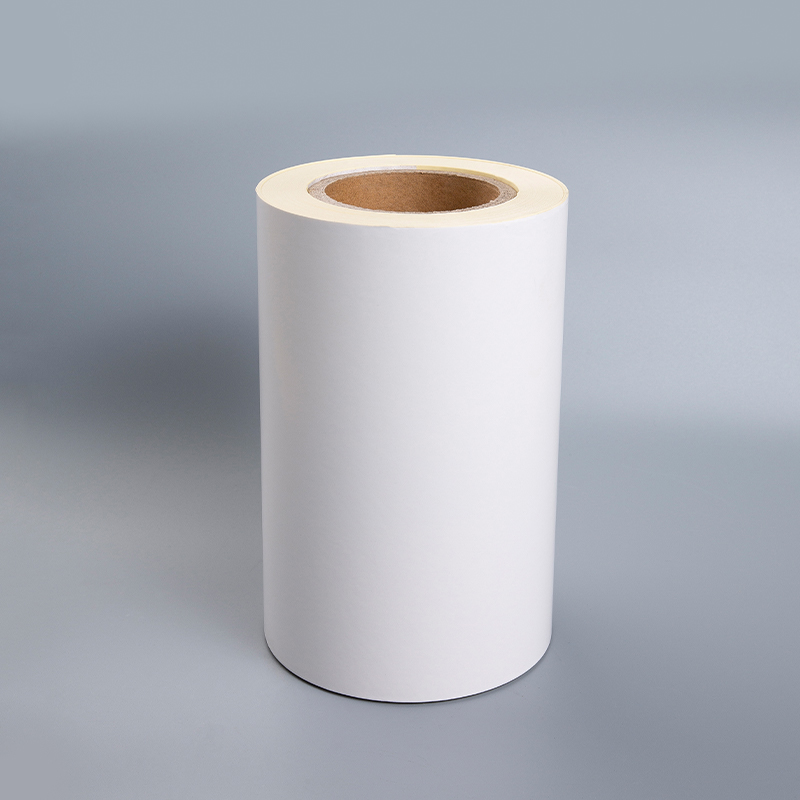
Opaque white label stock — whether paper or BOPP film — provides the white base that laser toner requires to display colors accurately. CMYK toner relies on white as a foundation; without it, dark backgrounds will shift the perceived color of every element in your design. For beer labels, product packaging, barcode labels, and any application where color fidelity matters, opaque white stock is the default correct choice.
| Factor | Clear Labels | Opaque White Labels |
|---|---|---|
| Best surface color | White or light | Any color |
| White areas in design | Transparent (no white toner) | Printed as white base |
| Color accuracy | Affected by surface color | Consistent and accurate |
| Aesthetic effect | "No-label" look | Standard label appearance |
| Typical use | Glass bottles, clear packaging | Product labels, barcodes, beer labels |
Can a Printer Print White? The White Ink Problem
This is one of the most frequently asked questions in label printing, and the short answer is: standard laser and inkjet printers cannot print white. CMYK color mixing — the process used in virtually all consumer and most commercial printers — combines cyan, magenta, yellow, and black toners or inks. White is not a color that can be created by mixing these pigments; it must come from the substrate itself.
Printers with White Ink: Specialized Equipment
Printers with white ink exist, but they are specialized machines not found in typical offices or home studios. The main categories are:
- Industrial digital label presses (e.g., Epson ColorWorks C7500G, OKI Pro Series): These add a white toner or ink channel specifically for label production on clear or metallic substrates. The OKI Pro8432WT, for example, is a laser printer that uses white toner as a fifth color channel, enabling true white printing on clear and colored media.
- UV flatbed and UV roll printers: Used in signage and industrial label production, these can print white UV ink as an underbase or overprint layer.
- DTG (direct-to-garment) and DTF printers: Common in apparel, these include white as a base layer for printing on dark fabrics.
For small-run label makers who need white printing on clear or dark substrates, the practical alternative to white-ink printers is to use white opaque label stock and design around the white base, or to outsource runs that require white printing to a digital label printing service.
Laser Decal Paper: Printing Labels for Non-Standard Surfaces
Laser decal paper is a specialized transfer medium that allows toner-based designs to be applied to surfaces that can't pass through a printer — ceramics, glass, metal, wood, and curved objects. It works by printing the design onto a water-slide film coating; once dry, the decal is soaked in water and the image slides off the backing paper and adheres to the target surface.
Laser decal paper is available in two versions: white-backed (for dark surfaces) and clear (for light surfaces). The white-backed version includes a white pigment layer beneath the printed image to ensure color accuracy. Most laser decal papers require a sealant coat (typically a clear lacquer or decal-specific fixative) applied immediately after printing to prevent the toner from cracking or washing off during the water transfer process.
Laser decal paper is particularly popular for custom wine and spirit bottle labels, model making, and ceramic decoration. It is not a substitute for pressure-sensitive label stock in high-volume or outdoor applications — it's a craft and short-run solution.
Standard Label Dimensions: Wine, Beer, and Barcode
Matching your label design to the correct dimensions before printing saves material, time, and costly reprints. Here are the most commonly referenced standard sizes across key categories.
Standard Wine Label Dimensions
Wine label sizing varies by bottle format, but industry conventions have settled around a few dominant sizes. The most common standard wine label dimensions for a 750ml bottle are:
- Front label: 3.5" × 4" or 4" × 3.25" — the most widely used front panel dimensions for standard Bordeaux-style bottles.
- Back label: 3.5" × 2.75" or 4" × 2.5" — sized for regulatory text, ingredient lists, and tasting notes.
- Neck label: 1.25" × 3" or 1.375" × 3.5" — used for vintage year, variety, or decorative branding.
These are guidelines rather than enforced standards — the TTB (Alcohol and Tobacco Tax and Trade Bureau) in the U.S. regulates label content and placement but not size. Always measure your specific bottle's label panel before finalizing artwork.
Beer Labels Printable: Common Formats
Craft beer labels follow a similar logic. For a standard 12 oz longneck bottle, printable beer labels are typically sized at 4" × 3.5" for the front wrap-around label. Bomber (22 oz) bottles commonly use larger front labels around 4.25" × 5". For cans, the wrap-around label area of a standard 12 oz sleek can is approximately 8.1" wide × 3.6" tall.
Home brewers printing their own labels on a laser printer should use waterproof BOPP label stock — beer bottles are regularly refrigerated and handled with wet hands, and paper labels will degrade rapidly in these conditions.
Standard Barcode Label Size
Barcode label sizing depends on the barcode type and application. The most widely referenced standard barcode label sizes are:
| Barcode Type | Standard Label Size | Common Use |
|---|---|---|
| UPC-A (retail) | 1.5" × 1" (minimum) | Retail product packaging |
| Code 128 / Code 39 | 2" × 1" or 4" × 1" | Shipping, warehouse, inventory |
| QR Code | 0.75" × 0.75" (minimum) | Marketing, product traceability |
| GS1-128 (logistics) | 4" × 6" | Shipping cartons, pallets |
| Dymo / thermal roll | 2.25" × 1.25" | Address, file, asset labels |
For laser-printed barcode labels, use opaque white stock with a matte or semi-gloss surface. Glossy surfaces can cause scan failures due to light reflection. Minimum barcode height for reliable scanning is typically 0.5 inches; never scale a barcode below this threshold regardless of label size.
Label Adhesive Specifications: Choosing the Right Tack for the Job
Adhesive performance is as critical as print quality — a perfectly printed label that fails to stay put is useless. Label adhesive specifications cover three main performance attributes: initial tack, ultimate adhesion strength, and temperature/chemical resistance.
- Permanent acrylic adhesive: The most common type for general product labels. Bonds firmly within 24–72 hours of application and resists temperatures from roughly -20°F to 200°F (-29°C to 93°C). Suitable for most product labeling, shipping, and barcode applications.
- Removable adhesive: Lower initial tack allows repositioning or clean removal. Used for promotional labels, price stickers, and applications where the label must come off without residue. Adhesion strength is typically 30–60% of a permanent adhesive.
- Freezer-grade adhesive: Specially formulated for cold and wet environments — critical for beer, wine, and refrigerated food labels. Standard adhesives can lose cohesion below 35°F (2°C); freezer-grade adhesives remain bonded down to -65°F (-54°C).
- High-tack aggressive adhesive: Used for rough, textured, or low-energy surfaces like HDPE plastic, rubber, and powder-coated metal where standard adhesives won't bond reliably.
For wine and beer bottle labels specifically, look for label stock rated with ice bucket resistance — a performance test that verifies the adhesive and stock remain intact after prolonged exposure to condensation and ice water.
How to Make a Sticker Stick Better: Surface Prep and Application Tips
Even the best adhesive label will fail if applied incorrectly or to the wrong surface. The most common cause of label failure is surface contamination — oils, dust, moisture, and residue from previous labels all prevent proper adhesive contact.
Surface Preparation
- Clean the application surface with isopropyl alcohol (70% or higher) and allow it to dry fully before applying the label. This removes oils, fingerprints, and manufacturing residues that dramatically reduce adhesion.
- For glass bottles, ensure the surface temperature is above 50°F (10°C) at the time of application. Cold glass inhibits adhesive wetting and reduces initial bond strength significantly.
- On textured or porous surfaces, use a high-tack or aggressive adhesive label stock rather than trying to improve bond with standard stock — the adhesive type is more important than application technique in these cases.
Application Technique
- Apply labels by starting from one edge and smoothing toward the other to prevent air bubble entrapment. Use a squeegee, credit card, or application roller rather than your fingers.
- After application, apply firm pressure across the entire label surface for 15–30 seconds to maximize adhesive contact. This is especially important on curved surfaces like bottles.
- Allow 24–72 hours for adhesive to reach full cure before exposing labels to water, chemicals, or extreme temperatures.
- For outdoor or high-moisture applications, applying a clear laminate overcoat over the finished label seals edges and dramatically extends label life — even on waterproof stock.
Printing Labels on a Laser Printer: Practical Setup Checklist
Getting consistent results when printing labels on a laser printer requires attention to media settings, paper path, and file preparation — not just selecting the right stock.
- Use the manual feed tray (bypass tray) for film label stock. Running thick or film-based label sheets through the standard paper cassette increases the risk of misfeeds and adhesive releasing inside the printer at fusing temperatures.
- Set media type in printer driver to "Heavy" or "Label". This adjusts fuser temperature and paper path speed to properly bond toner to non-paper substrates. Incorrect media settings are the leading cause of smeared or under-fused toner on label stock.
- Never rerun label sheets through the printer. Partially used label sheets (with missing labels) can cause the exposed adhesive to contaminate the fuser roller — a repair that costs $150–$400 on most desktop laser printers.
- Use straight-through paper path where available. Many laser printers have a rear output slot that bypasses the curved paper path — ideal for thick label stock and decal papers that can crack when bent sharply.
- Test one sheet before a full run. Film stocks behave differently across printer models; verify toner adhesion and image quality on a single sheet before committing to large quantities.